Images and videos

Use media when it helps readers understand something faster than text alone.

Overhead shot of moody plants

Photo by Nico Knaack on Unsplash

<Image  src="/images/plants.jpg"  alt="Overhead shot of moody plants">  Photo by [Nico Knaack](https://unsplash.com/@xoxnk) on[Unsplash](https://unsplash.com/photos/background-pattern-JF70XoUqlpQ?utm_source=unsplash&utm_medium=referral&utm_content=creditCopyText)</Image>

Images

Basic image syntax

Use standard Markdown image syntax for simple images.

Overhead shot of moody plants
![Overhead shot of moody plants](/images/plants.jpg)

Add a visible caption

Use the Image component when you want a caption below the image. Add the caption as children between the opening and closing tags.

Overhead shot of moody plants

Photo by Nico Knaack.

<Image  src="/images/plants.jpg"  alt="Overhead shot of moody plants">  Photo by [Nico Knaack](https://unsplash.com/@xoxnk).</Image>

The title prop is not a visible caption. Use it only when you want the browser tooltip/title attribute.

Overhead shot of moody plants
<Image  src="/images/plants.jpg"  alt="Overhead shot of moody plants"  title="Overhead shot of moody plants"/>

Use dark mode images

Set src to an object when the image should change between light and dark mode.
Decorative image that changes between light and dark mode

This image uses a different source in dark mode.

Light mode photo by Marek Piwnicki on Unsplash.
Dark mode photo by Nasa on Unsplash.

<Image  src={{    light: "/images/mountain-layers.jpg",    dark: "/images/nasa.jpg",  }}  alt="Decorative image that changes between light and dark mode">  This image uses a different source in dark mode.   Light mode photo by [Marek Piwnicki](https://unsplash.com/@marekpiwnicki) on [Unsplash](https://unsplash.com/photos/layered-blue-mountain-ranges-fade-into-the-sky--_OuVFhN5BU).   Dark mode photo by [Nasa](https://unsplash.com/@nasa) on [Unsplash](https://unsplash.com/photos/earth-rising-over-the-moons-horizon-Y38PSLjc-Fg).</Image>

Constrain image size

Use the width prop on the Image component to set a max rendered width in pixels. This helps keep large portrait or landscape images from filling the full content width.
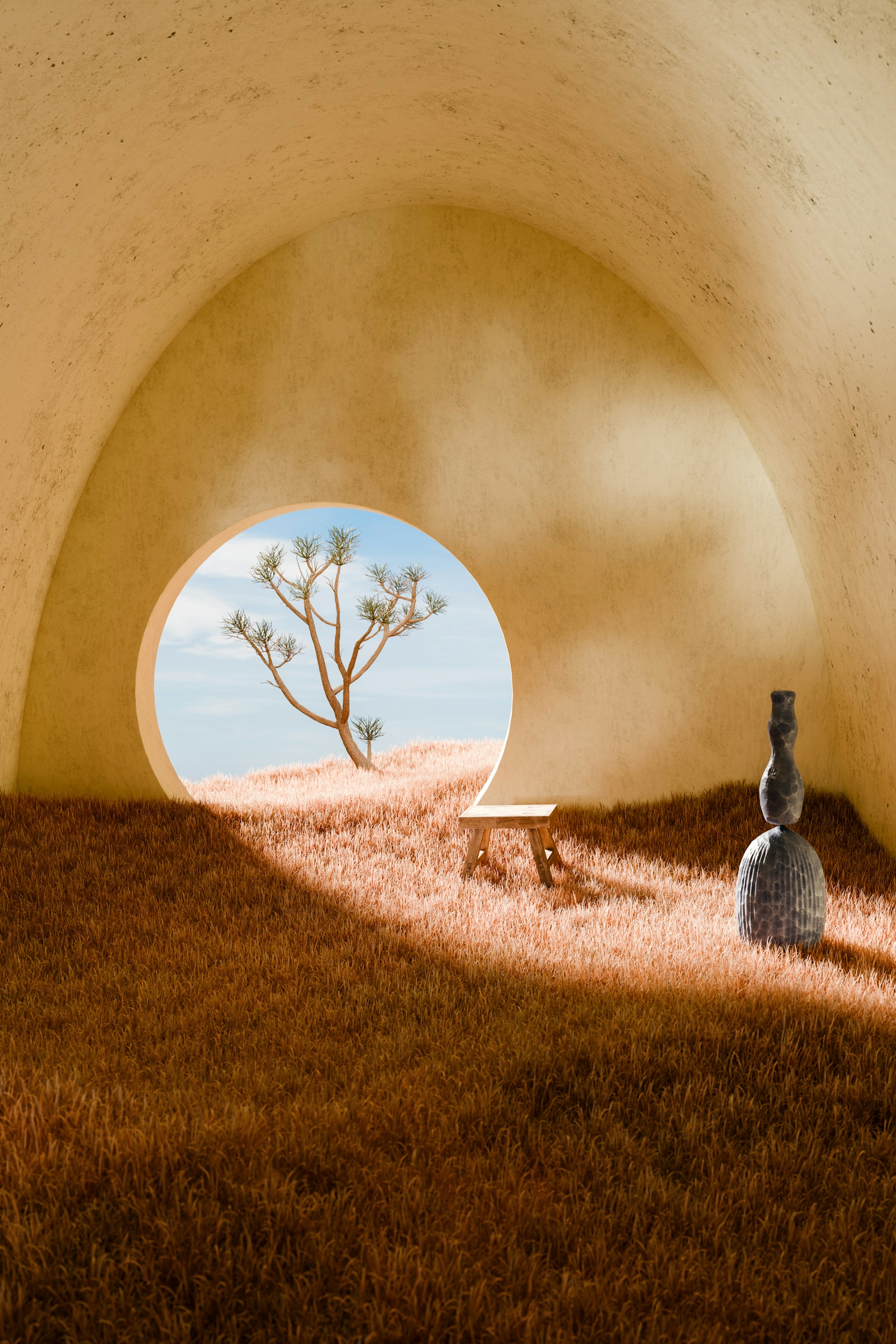
Surreal architecture framed through a circular opening

A constrained image can sit comfortably inside a wider page.
<Image  src="/images/surreal_architecture.jpg"  alt="Surreal architecture framed through a circular opening"  width={350}>  A constrained image can sit comfortably inside a wider page.</Image>

Align a constrained image

Use align="left", align="center", or align="right" when an image is narrower than the content column. The default is center.

Surreal architecture framed through a circular opening
<Image  src="/images/surreal_architecture.jpg"  alt="Surreal architecture framed through a circular opening"  width={350}  align="left"/>

Disable click-to-zoom

Set zoom={false} using the Image component when you want the image to stay static and avoid opening the zoom overlay.

Overhead shot of moody plants

This image does not open the zoom overlay.

<Image  src="/images/plants.jpg"  alt="Overhead shot of moody plants"  zoom={false}>  This image does not open the zoom overlay.</Image>

Videos

Embed a video file

Use the HTML <video> tag when you have a hosted .mp4 file.

<video controls width="100%" className="rounded-xl" poster="/images/fantasia.jpeg">  <source    src="https://dn710202.ca.archive.org/0/items/disney-uk-vhs-and-dvd-trailers-and-promos/Fantasia%20%281940%29%20%28Walt%20Disney%20Home%20Video%20-%201991%20UK%20VHS%20Promo%29.mp4"    type="video/mp4"  />  Your browser does not support the video tag.</video>

Embed a YouTube video

Use an iframe for YouTube or other hosted video platforms.

<iframe  className="w-full aspect-video rounded-xl"  src="https://www.youtube.com/embed/mnTU_hJoByA?si=rG61DwS-ggzPHJ_e"  title="YouTube video player"  allow="accelerometer; autoplay; clipboard-write; encrypted-media; gyroscope; picture-in-picture"  allowFullScreen></iframe>